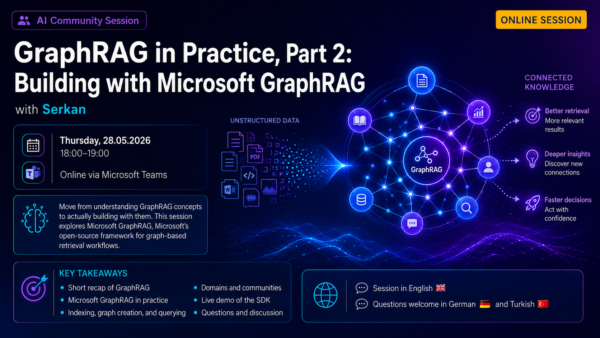
After introducing the core ideas of GraphRAG in Part 1, this follow-up session moves into practice. We’ll take a closer look at Microsoft GraphRAG, Microsoft’s open-source framework for graph-based retrieval workflows, and explore how connected knowledge can improve context, traceability, and explainability in GenAI solutions.
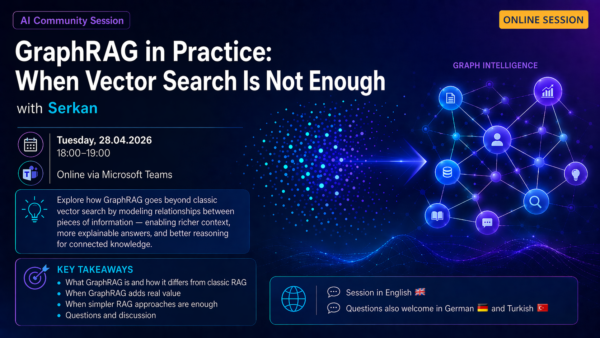
Online Event: GraphRAG in Practice: When Vector Search Is Not Enough.
I’m happy to share that I’ll be speaking again at the Azure User Group Munich, as part of our recurring meetup series held every second Tuesday of the month. 🎤 In my next session, I’ll talk about GraphRAG that I find especially interesting right now. Many current AI solutions are built on vector search and […]
GraphRAG Explained: The Missing Layer in Modern RAG Systems
Retrieving relevant information using vector similarity is the foundation of most RAG systems. While effective for many use cases, it often struggles when answers require connecting multiple pieces of information or understanding relationships across data.
GraphRAG addresses this limitation by organizing data into a knowledge graph. Instead of retrieving isolated text, it captures how entities are connected, enabling more structured reasoning.
In this article, I introduce GraphRAG through a hands-on demo project.
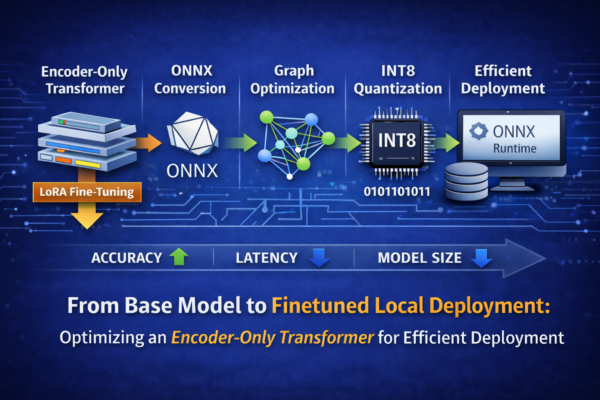
Fine-Tuning and Deploying an Encoder-Only Transformer Using ONNX Runtime
In this article, I walk through the complete deployment pipeline of an encoder-only Transformer model for text classification—from LoRA-based fine-tuning to ONNX conversion, graph optimization, and quantization. Each stage is analyzed in terms of its impact on accuracy, latency, and model size. The focus is on true local deployment: running a hardware-aware classification model entirely on local infrastructure using ONNX Runtime
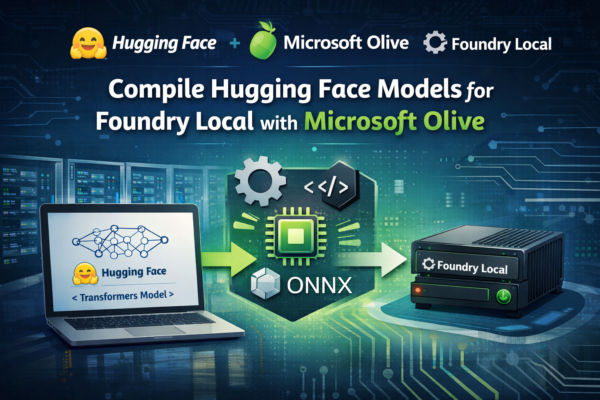
From Hugging Face to Foundry Local: A Step-by-Step Guide with Microsoft Olive
Running Hugging Face models locally often requires more than a simple download. In this post, we walk through how to use Microsoft Olive to compile and optimize a model from the Hugging Face Hub into a Foundry Local–ready artifact. You will learn how Olive streamlines model conversion, optimization, and packaging, enabling efficient local inference across supported runtimes while maintaining performance and portability.
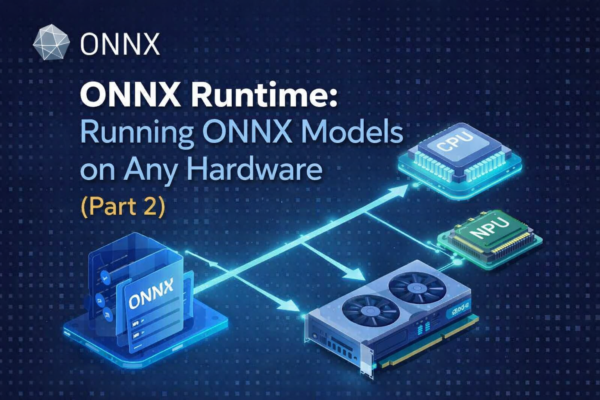
ONNX Runtime:Running ONNX Models on Any Hardware (Part 2)
In Part 1 of this series, we explored what ONNX is, why it was created, and how it decouples model training from deployment by providing a standardized, framework-agnostic model format. That foundation is essential for understanding the next step in the ONNX ecosystem.
In this article, we focus on ONNX Runtime—the execution engine that brings ONNX models to life. You will learn how ONNX Runtime loads and optimizes ONNX models, selects the appropriate execution provider, and runs inference efficiently across CPUs, GPUs, and NPUs.
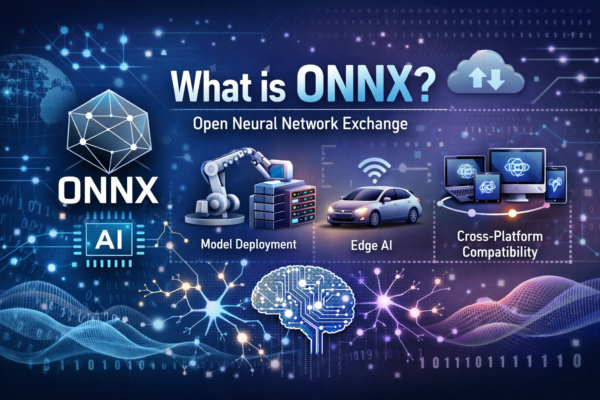
ONNX: One Model Format for Cross-Platform Machine Learning Deployment (Part1)
ONNX (Open Neural Network Exchange) is an open standard designed to make machine learning models portable and interoperable across frameworks, tools, and hardware platforms. Its primary purpose is to decouple model training from model deployment, allowing models trained in popular frameworks such as PyTorch or TensorFlow to be exported into a common format and executed efficiently in different production environments.
This blog post is structured into two main parts. Part 1 focuses on ONNX, providing an overview of the standard, its design goals, and its role in enabling model portability and interoperability across machine learning frameworks. Part 2 covers ONNX Runtime, examining how ONNX models are executed in production, with an emphasis on performance optimization, hardware acceleration, and deployment considerations.
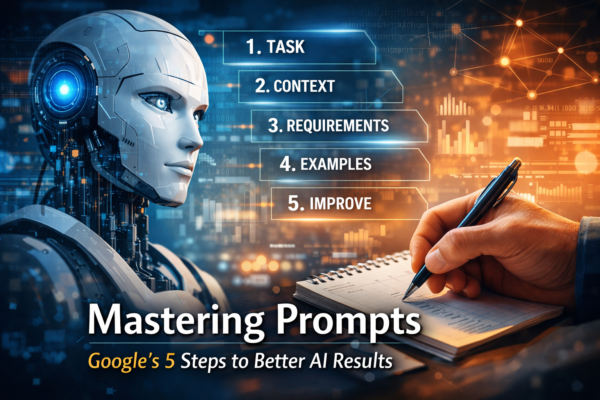
Prompt Engineering in Practice: A Structured Approach to Better AI Outputs
After working with AI for a long time, you stop chasing the “perfect prompt” and start focusing on structure instead. That is when most prompt frameworks begin to look very similar. Different names, different visuals—but all aiming to solve the same problem: turning vague intent into instructions an AI can actually act on.
In this post, I focus on Google’s 5 Steps Prompt Framework because it reflects how prompting works in real workflows. The first output is rarely the final one, and iteration is not optional—it is the process.
Running AI Locally with Microsoft AI Foundry Local: What You Need to Know
Microsoft AI Foundry Local enables organizations to run AI workloads locally, offering greater control over data, improved performance, and reduced reliance on cloud-only architectures. This post provides an introduction to the core concepts, architecture, and practical use cases of Microsoft AI Foundry Local for enterprise and developer scenarios.
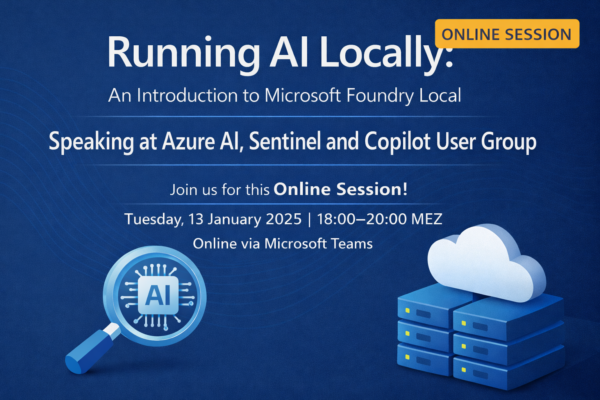
Online Event: An Introduction to Microsoft AI Foundry Local
In this upcoming online session, I will introduce Microsoft AI Foundry Local and demonstrate how organizations can run AI workloads locally to improve performance, enhance data sovereignty, and reduce dependency on cloud-only architectures. As part of the Azure AI, Sentinel, and Copilot User Group, this talk provides practical insights into architecture, use cases, and getting started with local AI execution.